Call Recorder
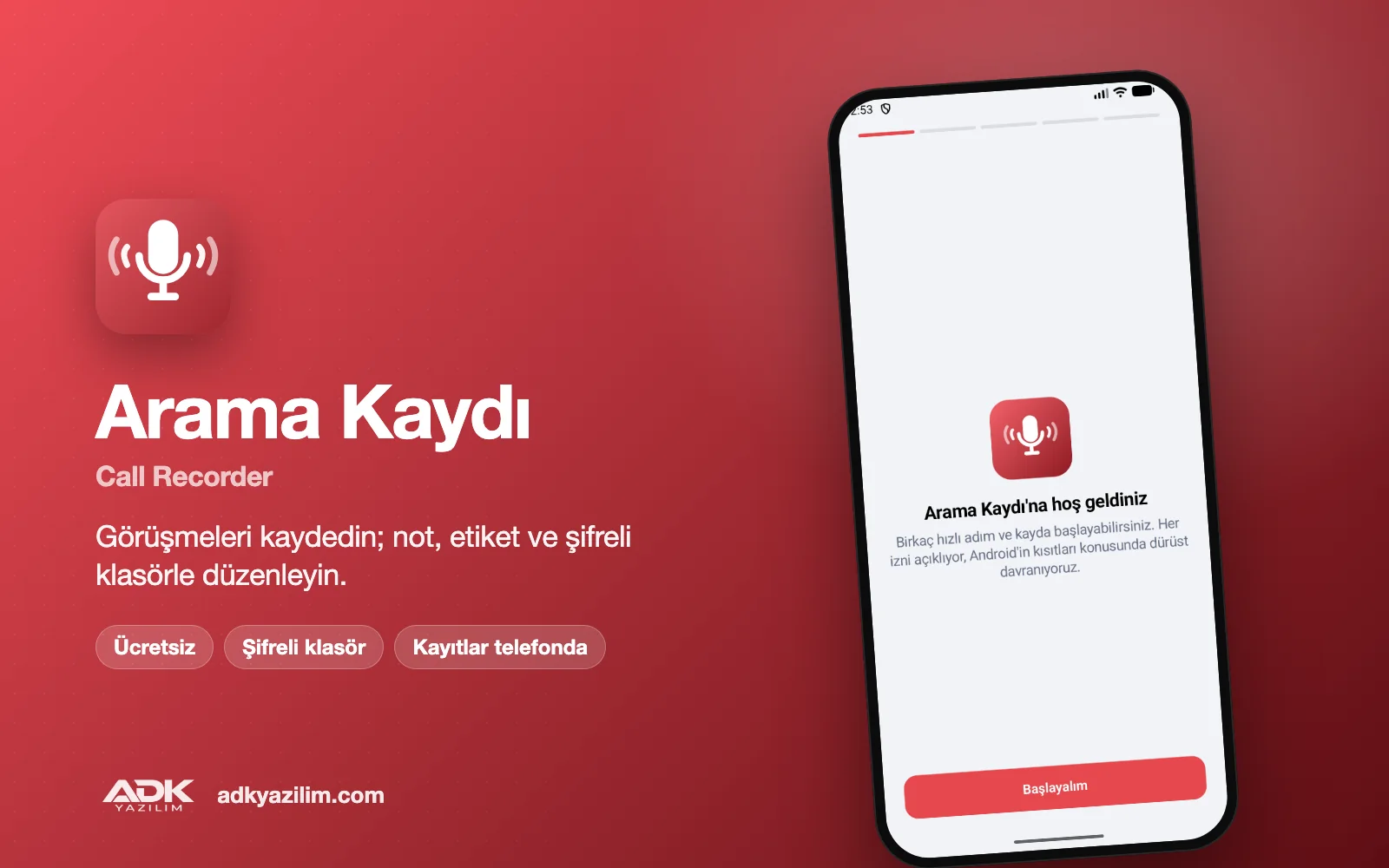
A call recorder is a practical way to go back over a price agreed with a customer, the details of an appointment or a long set of instructions. This free Android app records your calls, organises the recordings by contact and gives you notes, tags and an encrypted folder.
On this page we explain clearly what the app can and cannot do. Android 10 and later restrict third-party apps from recording call audio directly on many devices, so recording quality depends on your phone's make, model and Android version. You are also legally required to tell the other person that the call is being recorded and to get their consent before you record.
What can you do?
Record phone and WhatsApp calls
If your device allows it, the app records the call audio directly and both voices are clear. If your device does not allow it, the recording is made through the speaker and microphone; in that case you need to put the call on speaker, and the sound quality depends on background noise. The same limits apply to WhatsApp calls. When you first open the app, it tests your device and shows you which method will be used.
Consent reminder at the start of each call
When a recording starts, a notice appears on screen reminding you to tell the other person that the call is being recorded. Informing them and getting their agreement at the start also means the recording can be relied on later if it is ever needed.
Notes, tags and an archive by contact
You can add a short note to each recording and tags such as "Quote", "Complaint" or "Appointment". Recordings are grouped by the contact in your address book, so every call with a customer appears on one screen in date order. Search, tag and date filters help you find the right recording quickly.
Encrypted folder
Important recordings can be moved to an encrypted folder that opens with a PIN or your fingerprint. Files in this folder are stored encrypted on the phone and cannot be opened from other apps or a file manager.
Share a recording
You can send a recording by email or to another app using your phone's share menu. Before sharing, remember that the recording contains information about other people.
How to use it
- Download and install the APK; your phone may ask you to allow installs from unknown sources.
- Grant the microphone, phone state, contacts and notification permissions.
- Run the device test; the app shows whether it will record call audio directly or through the speaker.
- Choose automatic recording or start each recording manually.
- Tell the other person at the start of the call; add notes and tags once the recording has finished.
Why is an accessibility service needed?
On Android 10 and later, an ordinary app only gets silence from the microphone during a phone call. Android only lets accessibility services record audio during a call, so during setup you are asked to turn on the app’s accessibility service. The service is used only so that recording can start; it does not read what is on your screen and does not perform taps or gestures. The device test in setup shows which recording method works on your phone.
Privacy and permissions
The app asks for the microphone to record sound, phone state to detect when a call starts, contacts to match recordings to people, and notifications to show the consent reminder while recording. Recordings are stored only on your phone and are never uploaded to a server. There are no adverts, no analytics tools and no selling of data, and you do not need an account.
Because Google Play policies restrict call recording apps, the app may be offered as an APK file. Only download it from this page.
System requirements
Android 8.0 or later. On Android 10 and later, direct call audio recording depends on the device; on unsupported devices the recording is made through the speaker and microphone.
Important: under Article 133 of the Turkish Criminal Code, recording a private conversation you take part in without the other party's consent is a criminal offence, and many other countries have similar laws. Informing the other person at the start, obtaining their consent and storing recordings in line with data protection law are entirely the user's responsibility.
If your call centre or team needs a business call recording and archiving solution, you can request a quote from ADK Yazılım.
主な機能
- Record phone and WhatsApp calls (as far as the device allows)
- Speaker and microphone recording on unsupported devices
- Consent reminder at the start of each call
- Add notes and tags to recordings
- Archive by contact with search and date filters
- Encrypted folder protected by PIN or fingerprint
- Automatic or manual recording
- Share recordings by email and other apps
- Recordings stay on the phone; nothing is uploaded
- Free, ad-free and no account needed