
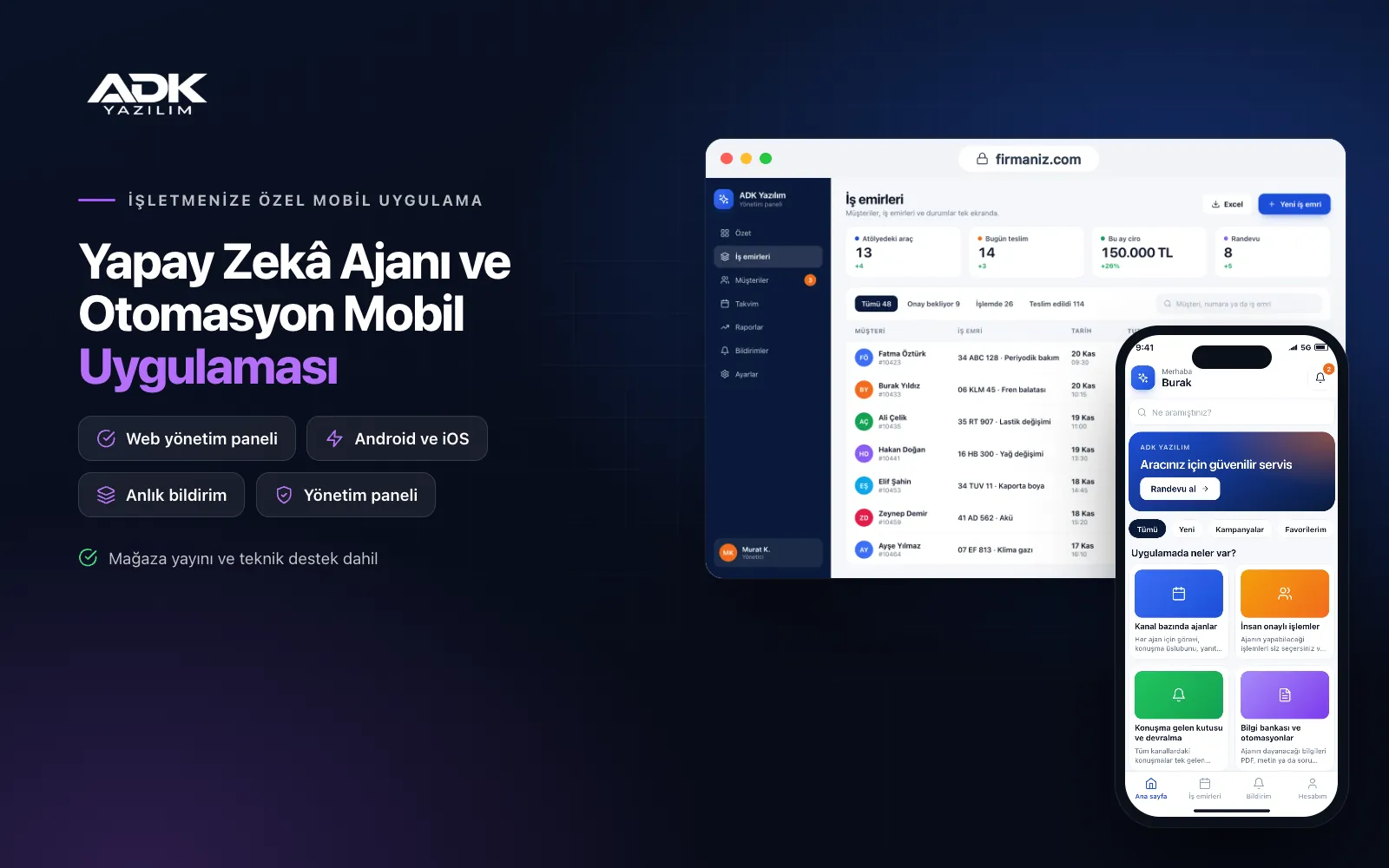
An AI agent mobile app lets you manage, from your phone, the AI agents that answer customer questions and prepare routine work. The agent replies in the chat window on your website and on the messaging channels you connect, using the information you upload, and leaves anything it is unsure about, or any action that needs approval, to you. You get a notification and approve, correct or take over.
Agents run on the API key of your business’s own OpenAI or other AI provider account; you pay the usage fees to the provider, and the app shows that usage by agent and channel. AI answers can be wrong, so the product is designed so that critical actions pass through human approval. The app is published under your business’s name on Google Play, on the App Store or on both.
Who is it for?
- E-commerce and retail businesses: First replies to order, return and product questions out of hours.
- Clinics, hotels and service businesses: Businesses pre-screening price, availability and appointment enquiries.
- Agencies and consultancies: Teams setting up agents for their clients and monitoring them from one app.
- Customer service teams: Teams leaving repetitive questions to an agent and focusing on harder conversations.
- Business owners: Owners who want to see what agents do and what they cost.
Features for running AI agents under control
Agents by channel
For each agent you define its task, tone, permitted topics and working hours, such as a pre-sales, order status or appointment pre-booking agent. The chat window added to your website is included; your business’s official messaging accounts are connected per project during setup. Agents are configured to hand over to your team rather than guess.
Human-approved actions
You choose which actions an agent may take and set an approval rule for each: creating a discount code, opening a return request, booking an appointment or drafting a quote. For actions that need approval, the agent prepares a proposal that arrives on your phone as a notification. You approve with a tap, edit and approve, or reject, and the decision is recorded. The agent adds speed; the final word stays with you.
Conversation inbox and takeover
Conversations from all channels collect in one inbox, with separate lists for those the agent answered, those it passed to you and those where the customer said they were not satisfied. You can step in, pause the agent, reply yourself and hand it back afterwards. When you mark an agent’s answer as wrong or incomplete and write the correct one, the correction is suggested as a knowledge base addition.
Knowledge base and automations
You upload the information agents should rely on as PDFs, text or question and answer lists: price lists, return terms, opening hours and product descriptions. An updated document is processed again and the old version is archived. On the automation screen you define triggers and actions: when a new form enquiry arrives, the agent drafts the first reply; when a message mentions a complaint, a manager is notified; when an action is approved, it is sent to a web address.
Usage, cost and alerts
The panel shows conversation counts and the usage sent to your provider by agent, channel and day. When you enter your provider’s unit prices, an estimated cost is calculated; the actual amount is your provider’s invoice. You set a monthly budget limit, receive an alert as it gets close and can have the agent paused automatically. You are also alerted when the API key fails, a channel drops or approvals pile up.
How do you get started?
- Choose your plan: Pick Starter (one platform) or Standard / Professional (Android + iOS) to match the phones you and your team use.
- Prepare your provider account: Open an account with OpenAI or your chosen provider in your business’s name, create an API key and decide on a budget limit.
- Set up agents with us: Together we define the first agents’ tasks, knowledge base documents, approval rules and the channels to connect.
- Start under control: In the first weeks run most actions with approval and review the answers; reduce approval steps for topics you trust.
Infrastructure, security and support
The app and web admin panel run on ADK infrastructure, and conversations and settings are backed up every day. Your API key is stored encrypted and is never shown on app screens. Conversation content is sent to the provider you choose in order to generate replies; at setup we review the provider’s data processing terms and the notice you give your customers together. Agents can take only the actions you enable. The developer account for each store the app is published on is opened in your business’s name; the business pays the account fees and we handle publishing and updates.
The app is published under your business’s name in the store you choose (Google Play, the App Store or both); the web admin panel and server run on ADK infrastructure, so no separate server or domain is needed. The Google Play and Apple Developer Program accounts are opened in your business’s name; the account fees are not included, and we handle setup and publishing. The first-year fee covers brand customisation, setup, preparing the first agents and knowledge base with you, the website chat window and remote training; from the second year a yearly hosting, update and support fee applies, lower than the first-year price. You can start with one platform on Starter and move to Standard (Android + iOS) by paying the difference. Agents run on your business’s own OpenAI or other provider API key; AI usage fees and messaging channel providers’ fees are not included. AI answers can be wrong, and human review is recommended. Voice call agents, direct connections with your e-commerce or booking system, additional messaging channels and more than 10 agents are not included and can be added through custom development.
Fast delivery
Our ready-made product foundations get your project live quickly.
Security first
Secure coding standards, encrypted connections and regular updates.
Ongoing support
Maintenance, updates and technical support after launch. We stay by your side.



