
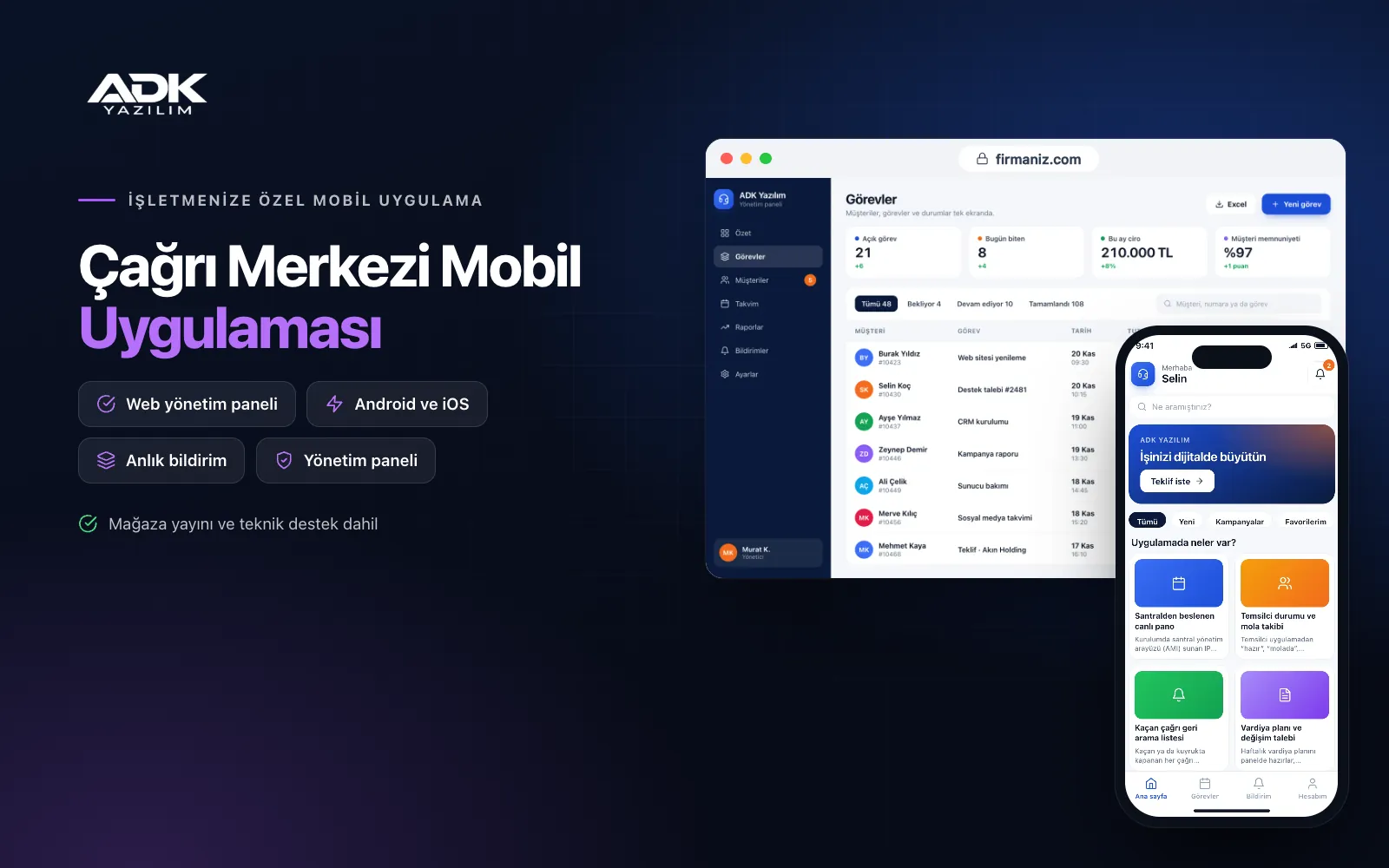
A call centre management app lets supervisors follow the queue on their phones instead of being tied to the wallboard. Calls waiting, answered and missed, along with average waiting and handling times, update live with data from your phone system. When the number of waiting calls passes the limit you set, the supervisor is notified at once, and the same screen shows which agents are on a break and for how long.
In the same app, agents see their shifts, break allowance, the callback list assigned to them and their quality review results. Missed calls no longer go unanswered: each one lands on a list, is assigned to an agent and has its outcome recorded. The app is published under your company’s name on Google Play, on the App Store or on both. Calls are still made through your existing phone system and handsets, while the app takes care of management and tracking.
Who is it for?
- Outsourced call centre companies: Firms running agents and queues for several client projects.
- In-house customer service teams: Teams at busy e-commerce, insurance, energy and telecoms businesses.
- Supervisors and team leaders: Managers who want to watch the queue while walking the floor or sitting in meetings.
- Quality and training teams: Teams that want to review calls with a standard form.
- Remote agent teams: Home-based teams whose shifts, breaks and announcements run through scattered messages.
Features for supervisors and agents
A live dashboard fed by your phone system
During setup we connect to IP phone systems that offer a management interface (AMI), and queue events flow into the panel in real time. The dashboard shows waiting calls by queue, the longest wait, answered and missed calls, average handling time and service level. When waiting calls or waiting time pass a threshold, the supervisor’s phone receives a notification.
Agent status and break tracking
Agents choose “ready”, “on break”, “in training” or “in a meeting” in the app and mark the reason for a break. They see their daily break allowance and the time left. Where the phone system connection supports it, agents are paused in the queue when a break starts and unpaused when they return. Supervisors see live how many people are on a break and which breaks have run over.
Missed call callback list
Every call that is missed or abandoned in the queue goes onto the callback list with its number, time and queue. Repeat calls from the same number are merged into one record. The list is assigned to agents in turn or by rule, and when an agent calls back they choose the outcome: reached, busy, no answer or call again. Supervisors get a separate alert for calls not returned within the time you set.
Shift plans and swap requests
You prepare and publish the weekly shift plan in the panel, and each agent sees their own shift and break times in the app. An agent can ask a colleague to swap a shift; once the colleague accepts and the supervisor approves, the plan updates. Everyone affected is notified when the plan changes, so there is no argument about who works which day.
Quality scoring and daily reports
The quality team defines its own review form with criteria and weightings, picks a call by number and date, scores it and adds notes. If the phone system keeps recordings at an accessible address, the recording link is attached to the review. Agents see their own scores and feedback. At the end of the day a report is prepared by queue, agent and time slot, and announcements go to the whole team or by project.
How do you get started?
- Choose your plan: Pick Starter (one platform) or Standard / Professional (Android + iOS) to match the phones your team uses.
- Let us review your phone system: Before setup we check your system type, queues and connection options with your technical team.
- Setup and publishing: We set up the phone system connection, import your agent list from Excel and publish the app under your company’s name.
- Launch with your team: Set thresholds, break allowances and the quality form, then bring the team on board with remote training.
Infrastructure, security and support
The app and web admin panel run on ADK infrastructure, and data is backed up every day. The phone system connection is used only to read queue and agent events and, if you allow it, to pause agents in queues; connection details are stored encrypted. Agents see only their own data, and supervisors see the queues they are authorised for. Because caller numbers count as personal data, access is limited by role. The developer account for each store the app is published on is opened in your company’s name; the company pays the account fees and we handle publishing and updates.
The app is published under your company’s name in the store you choose (Google Play, the App Store or both); the web admin panel and server run on ADK infrastructure, so no separate server or domain is needed. The Google Play and Apple Developer Program accounts are opened in your company’s name; the account fees are not included, and we handle setup and publishing. The first-year fee covers brand customisation, setup, connection to an IP phone system offering a management interface (AMI), agent import from Excel and remote training; from the second year a yearly hosting, update and support fee applies, lower than the first-year price. You can start with one platform on Starter and move to Standard (Android + iOS) by paying the difference. The app is not a softphone; calls are made through your existing phone system and handsets. Making the phone system reachable over the network is done on the customer’s side. Connections to other on-premise or cloud phone systems, recording storage, sync with CRM or order systems and SMS sending are not included and can be added through custom development.
Fast delivery
Our ready-made product foundations get your project live quickly.
Security first
Secure coding standards, encrypted connections and regular updates.
Ongoing support
Maintenance, updates and technical support after launch. We stay by your side.



