
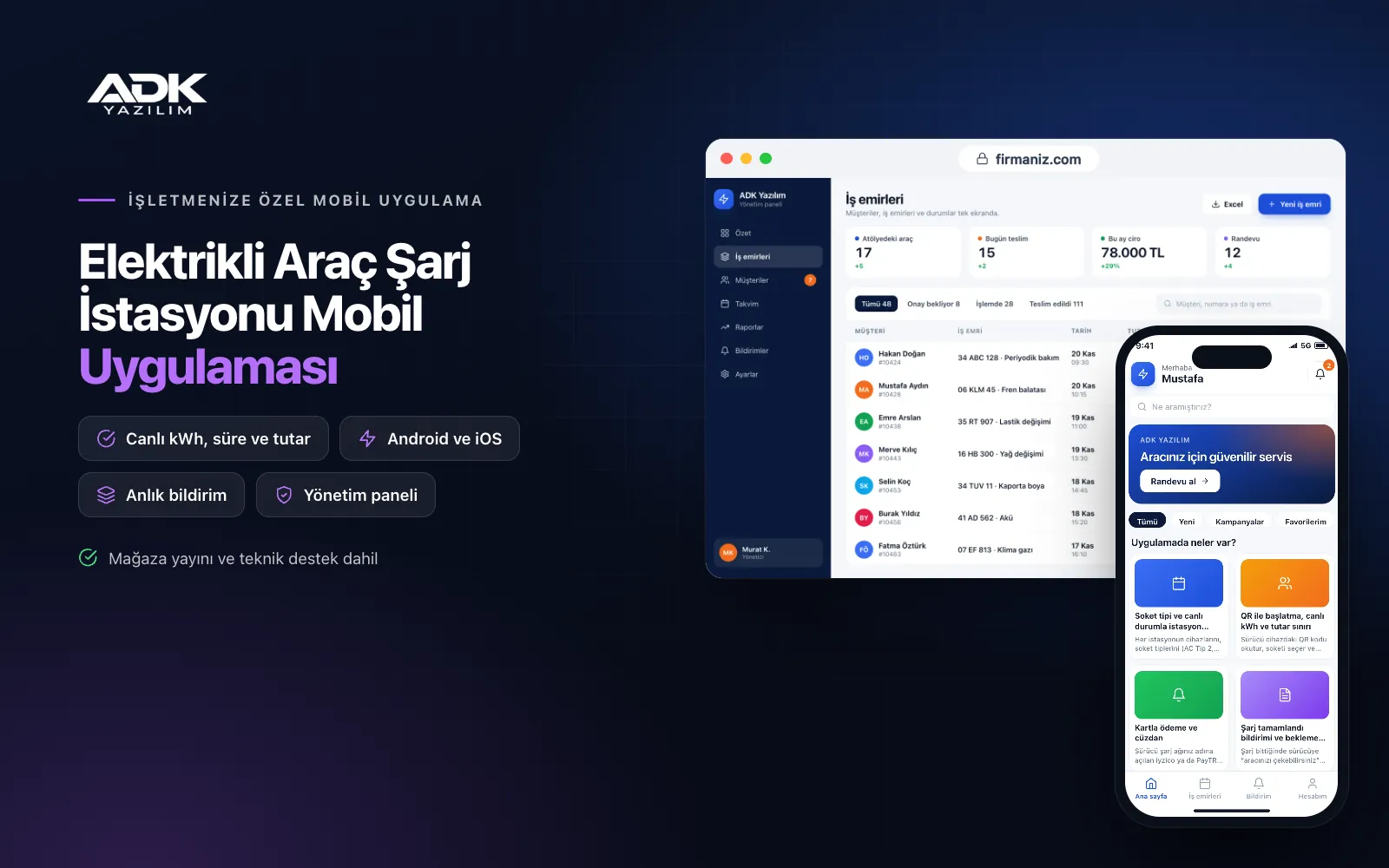
An EV charging station mobile app sits on drivers’ phones with the name of your charging network. Drivers see your stations on the map and, for each charger, the connector type, power, price per kWh and whether it is available, charging or out of service right now. They start charging by scanning the QR code on the charger and follow the energy delivered and the running cost on their phone.
Payment is made by card or from the in-app wallet balance, and the receipt goes into the charging history. Before a busy period, drivers can hold a connector for a short time, and they can report a problem with a charger with a photo. Communication with chargers uses the OCPP protocol and is configured during setup. The app is published under your network’s name on Google Play, the App Store or both.
Who is it for?
- Charge point operators: Firms running stations under their own brand that want to offer drivers an app directly.
- Fuel stations: Forecourts that have installed chargers and want to sell charging in their own name.
- Hotels, shopping centres and restaurants: Businesses offering guests charging that want to manage pricing and occupancy.
- Residential and office building managers: Managers letting residents use shared chargers and billing consumption per person.
- Companies with fleets: Businesses that want consumption records by vehicle and driver at their own charge points.
The charging experience from map to receipt
Station map with connector types and live status
You define each station’s chargers, connector types (such as AC Type 2 or DC CCS), power and price in the panel. The status reported by the charger appears live on the map: available, charging, reserved, faulted or offline. Drivers filter by connector type and power and open directions to the station in their phone’s map app.
QR start, live kWh and a spending limit
Drivers scan the QR code on the charger, choose a connector and start charging; they can set an amount or kWh limit, and charging stops automatically when it is reached. Using the readings the charger sends, energy delivered, time and cost update live in the app. Charging can be stopped from the app or from the car.
Card payments and a wallet
Drivers pay by card through an iyzico or PayTR account opened in your network’s name or top up their wallet, with transaction fees paid to the payment provider. The session cost is taken from the balance when it ends, and drivers are warned before starting if the balance is too low. In the panel you set separate AC and DC prices, time-of-day pricing and offers.
Charging complete alerts and idle fees
When charging finishes, drivers get a “you can move your car” notification. If you wish, you set a free grace period in the panel followed by a per-minute idle fee, so fully charged cars do not block connectors. Where an idle fee applies, the rule is shown clearly to drivers before charging starts.
Reservations, history and fault reports
Drivers can hold a connector for a short time you set; if the charger supports reservations, it also shows as reserved on its screen. Every session is logged with date, station, kWh and cost, with a PDF receipt. If a charger has a problem, drivers report it with a photo and the report reaches your panel and technical team with the charger number.
How do you get started?
- Choose your plan: Pick Starter (one platform) or Standard / Professional (Android + iOS) to match the phones your drivers use.
- Send your station and charger details: Share your logo, colours, station locations, charger makes and models, OCPP version, connectors and prices.
- Charger connection and publishing: We connect your OCPP-compatible chargers to the central system, set up your payment account and publish the app in your store accounts.
- Tell your drivers: With QR stickers on the chargers and station signs, drivers download the app and start their first charge.
Infrastructure, security and support
The app, the web admin panel and the central system the chargers connect to run on ADK infrastructure, data is backed up every day and connections are encrypted. Card details are not stored in the app; payments are processed on the payment provider’s secure page. Drivers see only their own sessions and balance, and only authorised panel users can send commands to chargers. The developer account for each store the app is published on is opened in your network’s name; the business pays the account fees and we handle publishing and updates.
The app is published under your network’s name in the store you choose (Google Play, the App Store or both); the web admin panel, the central system the chargers connect to and the server run on ADK infrastructure, so no separate server or domain is needed. The Google Play and Apple Developer Program accounts are opened in your business’s name; the account fees are not included, and we handle setup and publishing. The first-year fee covers brand customisation, setup, connecting OCPP-compatible chargers, data import from Excel and remote training; from the second year a yearly hosting, update and support fee applies, lower than the first-year price. You can start with one platform on Starter and move to Standard (Android + iOS) by paying the difference. Card payments are taken through an iyzico or PayTR account opened in your business’s name, and transaction fees are paid to the payment provider. The chargers themselves, hardware that does not support OCPP or uses a proprietary protocol, more than 50 chargers, roaming platforms, official reporting, e-invoicing and SMS sending are not included and can be added through custom development.
Fast delivery
Our ready-made product foundations get your project live quickly.
Security first
Secure coding standards, encrypted connections and regular updates.
Ongoing support
Maintenance, updates and technical support after launch. We stay by your side.



