
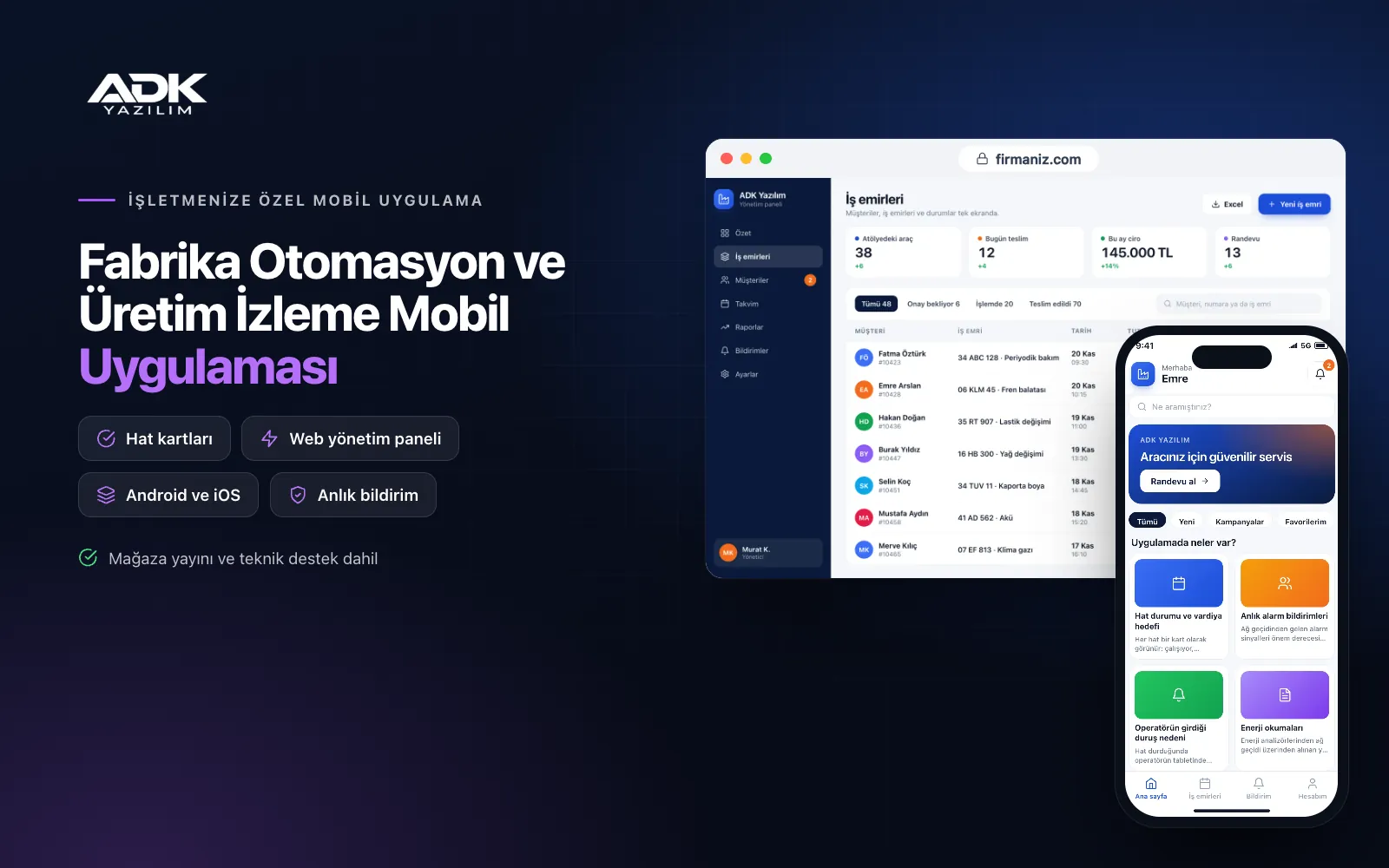
A factory production monitoring app lets production managers and shift supervisors see the state of every line on their phones without walking the floor or watching the control room screen. Whether each line is running, stopped or faulted, how many units the shift has produced and how much of the target is done all sit on one screen. When an alarm occurs on a machine, the right person gets a notification at once, and who saw it and when they responded is recorded.
Data comes from the machines on site through a gateway, or, on lines without an automation connection, from counts entered by operators on tablets. Because machine and PLC connections differ in every factory, they are surveyed on site at the start of the project and planned separately. The app is published under your factory’s name on Google Play, on the App Store or on both, and managers, supervisors and operators use it with their own permissions.
Who is it for?
- Production managers and plant managers: Managers who want to follow live line status and shift performance away from the office.
- Shift supervisors and maintenance teams: Floor teams who need to respond quickly to alarms and stoppages.
- Plastics, metal, food and packaging manufacturers: Volume production sites tracking counts and targets by line.
- Multi-shift operations: Plants where information gets lost in verbal handovers between shifts.
- Automation and system integrators: Firms that want to give customers a branded monitoring app for the systems they install.
Features for monitoring production from your phone
Line status and shift targets
Each line appears as a card: running, stopped, faulted or in planned maintenance. The card shows units produced this shift, the shift target, the hourly rate and whether the line is ahead of or behind target. Targets are entered by product and shift in the panel. Tapping a line card opens recent stoppages, alarms and the supervisor’s notes.
Instant alarm notifications
Alarm signals arriving from the gateway are classed by severity and sent as notifications to the right people by line, machine or shift. If nobody takes ownership within the time you set, the alarm is passed to the next person up. Whoever sees it taps “I’ve got it” and writes a resolution note when done; alarm history is reported by line, and recurring faults stand out.
Downtime reasons entered by operators
When a line stops, a downtime reason screen opens on the operator’s tablet with the reasons you define, such as waiting for material, tool change, breakdown, quality check or break. The operator picks a reason with one tap and adds a photo if needed. Stoppages without a reason go onto the supervisor’s list. At the end of the shift a chart shows how much output each reason cost.
Energy readings
Electricity, gas, compressed air and water readings, taken from energy analysers via the gateway or entered by hand from meters, are recorded by line and shift. The app works out energy use per unit produced and flags consumption above the limit you set. Loads still running outside working hours appear in the overnight report.
Shift handover notes and reports
When closing a shift, the supervisor fills in a handover form covering open faults, pending work, material status and points to watch. The next shift’s supervisor confirms they have read it. Daily, weekly and monthly production reports are prepared by line, product and shift, exported to Excel or sent to managers each morning as a summary notification.
How do you get started?
- Choose your plan: Pick Starter (one platform) or Standard / Professional (Android + iOS) to match your floor tablets and managers’ phones.
- Let us survey the plant: With your technical team we map your lines, machines, existing automation and where each piece of data will come from.
- Setup and publishing: We define lines, products, targets and downtime reasons, and publish the app under your factory’s name.
- Start step by step: Begin with operator entry on one line, then move other lines to automatic data as each gateway connection is ready.
Infrastructure, security and support
The app and web admin panel run on ADK infrastructure, and data is backed up every day. The gateway sends data to the panel only over an outbound, encrypted connection; the app never sends commands to machines, it only monitors them. This set-up does not require your production network to be opened to outside access. Users see the lines they are authorised for, with manager, supervisor, maintenance and operator roles. The developer account for each store the app is published on is opened in your factory’s name; the business pays the account fees and we handle publishing and updates.
The app is published under your factory’s name in the store you choose (Google Play, the App Store or both); the web admin panel and server run on ADK infrastructure, so no separate server or domain is needed. The Google Play and Apple Developer Program accounts are opened in your business’s name; the account fees are not included, and we handle setup and publishing. The first-year fee covers brand customisation, setup, line and product definitions, target and staff import from Excel and remote training; from the second year a yearly hosting, update and support fee applies, lower than the first-year price. You can start with one platform on Starter and move to Standard (Android + iOS) by paying the difference. The package includes the panel’s interface for receiving data from a gateway; the gateway device, sensors, energy analysers, operator tablets, on-site wiring and changes to PLC or SCADA software are not included. Machine connections over Modbus, OPC UA or other protocols are surveyed on site for each plant and can be added through custom development. Sending remote commands to machines and ERP or MES connections can also be added through custom development.
Fast delivery
Our ready-made product foundations get your project live quickly.
Security first
Secure coding standards, encrypted connections and regular updates.
Ongoing support
Maintenance, updates and technical support after launch. We stay by your side.



