
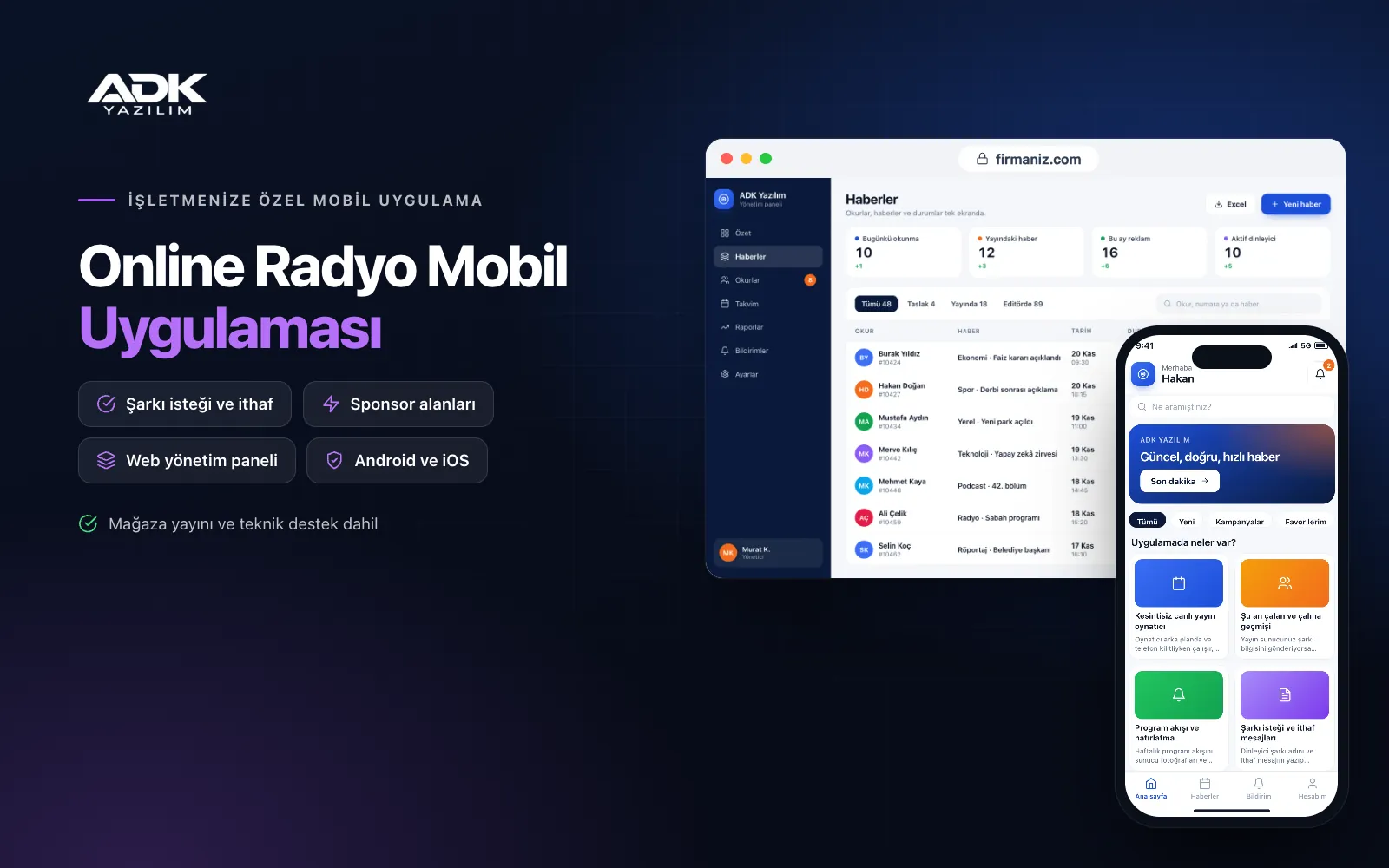
An online radio mobile app takes your broadcast to listeners’ phones with your station’s name, logo and colours. Listeners no longer hunt for your stream address or keep a browser tab open; they open the app and connect to the live broadcast with a single tap. They see the song that is playing, the programme on air and its presenter, and keep listening while the phone is locked.
The app works with your existing streaming server: you simply enter your Icecast or Shoutcast compatible stream address in the panel. Song requests and dedications land on the on-air presenter’s screen in the studio, and you manage sponsor slots by programme time from the panel. The app is published under your station’s name on Google Play, on the App Store or on both.
Who is it for?
- Internet radio stations: Broadcasters who want to keep their listeners together in their own app for good.
- Local and regional stations: Stations that want to be reached on phones alongside their terrestrial broadcast.
- Broadcasters with several channels: Stations presenting different music genres as separate channels in one app.
- Company, university and community radio: Stations that also want to share their schedule and news with their community.
- Stations with advertising income: Broadcasters who want to give sponsors in-app visibility and reporting.
Features that keep listeners tuned in
An uninterrupted live player
The player runs in the background and while the phone is locked, and can be paused from the lock screen. When mobile data weakens or the connection drops, the app reconnects to the stream automatically, so listeners do not have to press play again. The broadcast also carries on when the phone switches between Wi-Fi and mobile data.
Now playing and recently played
If your streaming server sends track information, the artist and song title appear in the player in real time. When listeners miss a song, they open the recently played list, see the last tracks with their times and add the ones they like to their favourites. Where there is no track information, the screen shows the programme on air and its presenter.
Programme schedule and reminders
You enter the weekly schedule in the panel with presenter photos and programme descriptions, and the app updates “on air now” automatically as each slot begins. Listeners mark their favourite programmes and are notified before they start. Special broadcasts and live link-ups can be announced to all listeners as notifications from the panel.
Song requests and dedications
Listeners type a song title and a dedication and send it, and the request appears on the panel screen of the presenter currently on air. The presenter marks it as read out or played, and the listener is notified. In the panel you set an hourly request limit per listener and a banned-words list, which keeps the request box tidy.
Sponsor slots and listener counts
You put sponsor artwork live by channel and programme time, with start and end dates. The panel reports impressions and taps for each sponsor, so you can give advertisers a concrete breakdown. If your streaming server shares live listener numbers, the panel also shows listeners per channel and the daily trend.
Multiple channels, sleep timer and car screen
You present different streams, such as pop, folk, classical or news, as separate channels, and listeners switch between them with one tap. The sleep timer fades the stream out at the end of the chosen time. The car screen offers a simple view with large buttons for easy use while driving.
How do you get started?
- Choose your plan: Pick Starter (one platform) or Standard / Professional (Android + iOS) to match the phones your listeners use.
- Send your broadcast details: Share your channels’ stream addresses, logo, programme schedule and presenter details.
- Publishing and setup: We build the app under your station’s name, test it with your stream and publish it in your store accounts.
- Invite your listeners: Announce the app on air, on your website and on your social media accounts.
Infrastructure, security and support
The app and web admin panel run on ADK infrastructure, and data is backed up every day. Audio streams straight from your streaming server to listeners, so sound quality and listener capacity depend on that server. Listeners give only a nickname for requests and dedications, and messages can be deleted from the panel. Presenters sign in to the panel with their own passwords and see only the requests for their own programmes. The developer account for each store the app is published on is opened in your station’s name; the station pays the account fees and we handle publishing and updates.
The app is published under your station’s name in the store you choose (Google Play, the App Store or both); the web admin panel and server run on ADK infrastructure, so no separate server or domain is needed. The Google Play and Apple Developer Program accounts are opened in your station’s name; the account fees are not included, and we handle setup and publishing. The first-year fee covers brand customisation, setup, connecting your stream addresses, importing your programme schedule from Excel and remote training; from the second year a yearly hosting, update and support fee applies, lower than the first-year price. You can start with one platform on Starter and move to Standard (Android + iOS) by paying the difference. The audio streaming server, streaming traffic and broadcasting licences from collecting societies such as MESAM are not included and remain the station’s responsibility. SMS sending is not included. Dedicated integration with in-car multimedia systems, an on-demand archive of recorded shows and ad network connections are not included and can be added through custom development.
Fast delivery
Our ready-made product foundations get your project live quickly.
Security first
Secure coding standards, encrypted connections and regular updates.
Ongoing support
Maintenance, updates and technical support after launch. We stay by your side.



