
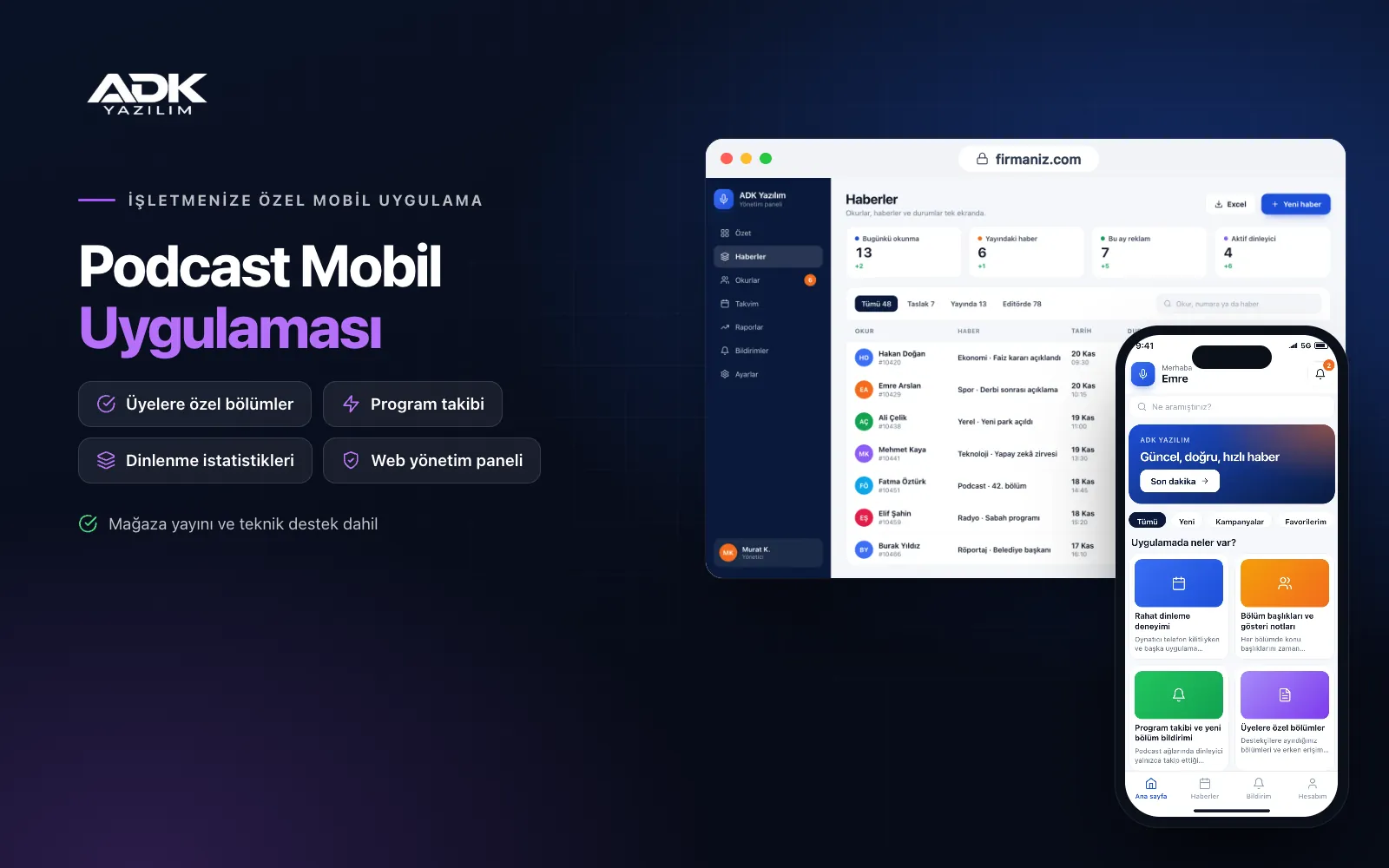
A podcast mobile app puts your show on your listeners’ phones under your own name and cover artwork. Listeners no longer have to find you among hundreds of shows in a general app; all your episodes, show notes and announcements live in a single app. When you publish a new episode, a notification goes straight to the listener’s phone, and one tap takes them back to where they left off.
The app pulls episodes automatically from your existing RSS feed and works alongside the ADK Podcast Website or any other podcast hosting service you use, so your publishing routine stays the same. Members-only episodes, voice questions from listeners and listening statistics in the panel build a closer relationship with your audience. The app is published under your name on Google Play, on the App Store or on both.
Who is it for?
- Independent podcasters: Hosts who want to bring their regular audience together in their own app.
- Podcast networks and production companies: Teams presenting several shows in one app, each of which listeners can follow.
- Organisations and brands: Companies that want to deliver their podcast to employees or customers under their own name.
- Educators and experts: People who want to offer lessons, talks and interviews as a well-organised archive.
- Shows with a supporter community: Producers who want to give supporters exclusive episodes and early access.
Features listeners use every day
A comfortable listening experience
The player keeps going in the background while the phone is locked or another app is open, and can be paused or skipped from the lock screen. Listeners choose the playback speed, jump thirty seconds forward or back, and their position is saved. Episodes can be downloaded for offline listening, and new episodes can download automatically whenever the phone joins a Wi-Fi network.
Chapters and show notes
For each episode you enter chapter titles with their timings, and listeners tap a chapter to jump to that minute. Show notes, guest details and resources mentioned in the episode appear below the player. If your RSS feed already carries chapters and notes, the app reads them automatically, so there is nothing extra to enter.
Following shows and new episode alerts
On a podcast network, listeners are notified only about new episodes of the shows they follow. The app checks your RSS feed regularly and sends the notification automatically as soon as a new episode appears. You can also send a separate notification from the panel to announce a live recording, a special episode or an event.
Members-only episodes
You upload episodes and early-access recordings for supporters in the panel; they open only on member accounts and never appear in your public RSS feed. Membership is approved in the panel, opened in bulk from a supporter list imported from Excel, or activated with a membership code you hand out. You reward your supporter community without moving it to another platform.
Voice and written listener questions
Listeners send a short voice recording or a written question for an upcoming episode, and tick whether their voice may be used on air. Questions are listed in the panel by show and episode topic, and you mark the ones you plan to use. Voice recordings download as audio files and go straight into your editing software.
Listening statistics in the panel
Plays inside the app are reported by episode: starts, completion rate and the minute at which listeners most often stop. You see which topics are heard to the end and which episodes are downloaded, and use that insight to plan the length and running order of your next episode.
How do you get started?
- Choose your plan: Pick Starter (one platform) or Standard / Professional (Android + iOS) to match the phones your listeners use.
- Send your feed and brand: Share your RSS address, cover artwork, colours and, if you have one, your supporter list.
- Publishing and setup: We pull your episodes from the feed, build the app under your name and publish it in your store accounts.
- Invite your listeners: Mention the app in your episode intros, show notes and social media posts.
Infrastructure, security and support
The app and web admin panel run on ADK infrastructure, and data is backed up every day. Public episodes play from the audio address in your RSS feed, while members-only episodes are kept in a protected area and opened only for signed-in members through time-limited links. Listener voice recordings are stored with the sender’s permission and can be deleted from the panel. Panel users sign in with their own passwords and according to their permissions. The developer account for each store the app is published on is opened in your name or your company’s name; you pay the account fees and we handle publishing and updates.
The app is published under your name in the store you choose (Google Play, the App Store or both); the web admin panel and server run on ADK infrastructure, so no separate server or domain is needed. The Google Play and Apple Developer Program accounts are opened in your name or your company’s name; the account fees are not included, and we handle setup and publishing. The first-year fee covers brand customisation, setup, connecting your RSS feed, importing supporters from Excel and remote training; from the second year a yearly hosting, update and support fee applies, lower than the first-year price. You can start with one platform on Starter and move to Standard (Android + iOS) by paying the difference. Hosting of public episodes and your RSS feed stays with your current podcast service; 50 GB of audio storage for members-only episodes is included. Notifications are sent free as app notifications; SMS sending is not included. Paid membership subscriptions (in-app purchases), automatic ad insertion into episodes and video podcast playback are not included and can be added through custom development.
Fast delivery
Our ready-made product foundations get your project live quickly.
Security first
Secure coding standards, encrypted connections and regular updates.
Ongoing support
Maintenance, updates and technical support after launch. We stay by your side.



