
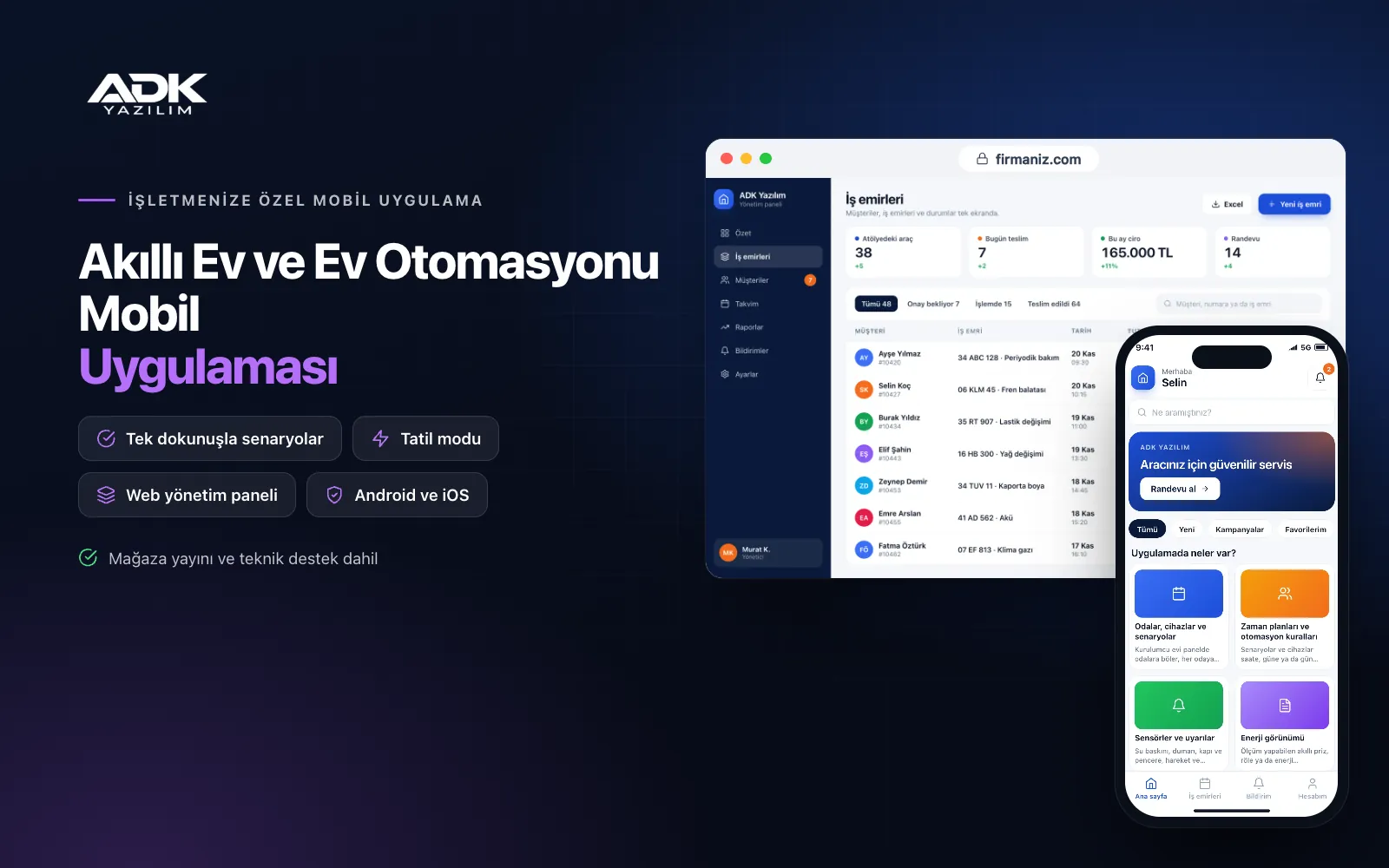
A smart home app lets home automation installers give their customers a control app under their own brand. Homeowners see their home room by room, control lights, blinds, air conditioning and underfloor heating from one screen, and run scenes such as “cinema”, “night” or “leaving home” with a single tap. Instead of juggling a different device app on every project, your customers see your logo in one app.
On the installer side, every home is a project in the panel: which gateway is connected, which device has gone offline and which customer has asked for service are all clear. When something goes wrong and the customer gives permission, your technical team looks at the home’s settings remotely and resolves many issues without a site visit. The app is published under your company’s name on Google Play, on the App Store or on both.
Who is it for?
- Smart home installers: Teams automating villas, flats and residences who want to give customers one app.
- Electrical and low-voltage contractors: Firms adding lighting, blind and climate control to their projects.
- Residential developers: Developers who want to offer a branded home control app with the homes they hand over.
- Boutique hotels and short-let operators: Businesses setting up lighting and climate scenes room by room.
- System integrators: Technical teams who want to monitor gateways across projects from one panel.
Features for homeowners and installers
Rooms, devices and scenes
The installer divides the home into rooms in the panel and adds devices to each: lighting circuits, dimmers, blind motors, air conditioners, thermostats and sockets. Homeowners control each device individually or build their own scenes: an “evening” scene dims the living room lights to half, closes the blinds and sets the temperature. Scenes sit on the home screen as large buttons, with the most used at the top.
Schedules and automation rules
Scenes and devices can be scheduled by time, day or sunrise and sunset: blinds open on weekday mornings and garden lighting comes on at dusk. Simple “if this, then that” rules can be set too: if the temperature drops below a value, heating switches on; when the door sensor opens, the hall light comes on. In holiday mode, lights switch on and off in turn at the times you choose.
Sensors and alerts
Events from flood, smoke, door and window, motion and temperature sensors reach the homeowner as notifications, and the homeowner decides who receives which alert. Event history is kept with date and time. Sensors with a low battery or that have stopped reporting are flagged to both the homeowner and the installer. The app is not an alarm monitoring centre service, and notifications depend on an internet connection.
Energy view
Consumption data from metering smart plugs, relays or energy meters is shown by room and by device. Homeowners see daily, weekly and monthly use on a chart and rank the devices that use the most. Reminders can be set for devices left on overnight. Figures are based on the devices’ own measurements and may not match your bill exactly.
Family members and remote service access
Homeowners invite family members, household staff or guests and give each one permissions by room or device; guest access can be time-limited. When service is needed, the homeowner taps “allow service access” in the app, and your technical team can see and adjust the home’s settings only for that period. Every access is recorded with who made it and when.
How do you get started?
- Choose your plan: Pick Starter (one platform) or Standard / Professional (Android + iOS) to match the phones your customers use.
- Share your hardware: Tell us the gateways and device types you use on your projects, and we confirm a compatible connection together.
- Setup and publishing: We build the app under your company’s name, set up the first home with you and publish it in the store.
- Connect your customers: At each handover, create the home in the panel and invite the homeowner, who then adds family members.
Infrastructure, security and support
The app and web admin panel run on ADK infrastructure, and settings and event history are backed up every day. Each home’s gateway connects to the server over an encrypted connection with credentials unique to that home, and users of one home cannot see another home’s devices. The installer’s team can access a home’s settings only with the time-limited permission the homeowner gives. The developer account for each store the app is published on is opened in your company’s name; the company pays the account fees and we handle publishing and updates.
The app is published under your company’s name in the store you choose (Google Play, the App Store or both); the web admin panel and server run on ADK infrastructure, so no separate server or domain is needed. The Google Play and Apple Developer Program accounts are opened in your company’s name; the account fees are not included, and we handle setup and publishing. The first-year fee covers brand customisation, setup, configuring the connection with MQTT-based gateways, setting up the first home and remote training; from the second year a yearly hosting, update and support fee applies, lower than the first-year price. You can start with one platform on Starter and move to Standard (Android + iOS) by paying the difference. Gateways, smart devices, sensors and on-site installation work are not included. The app is not an alarm monitoring centre service. Connections over protocols other than MQTT or with manufacturers’ cloud services, voice assistant integration, camera viewing and door lock control are not included and can be added through custom development.
Fast delivery
Our ready-made product foundations get your project live quickly.
Security first
Secure coding standards, encrypted connections and regular updates.
Ongoing support
Maintenance, updates and technical support after launch. We stay by your side.



