
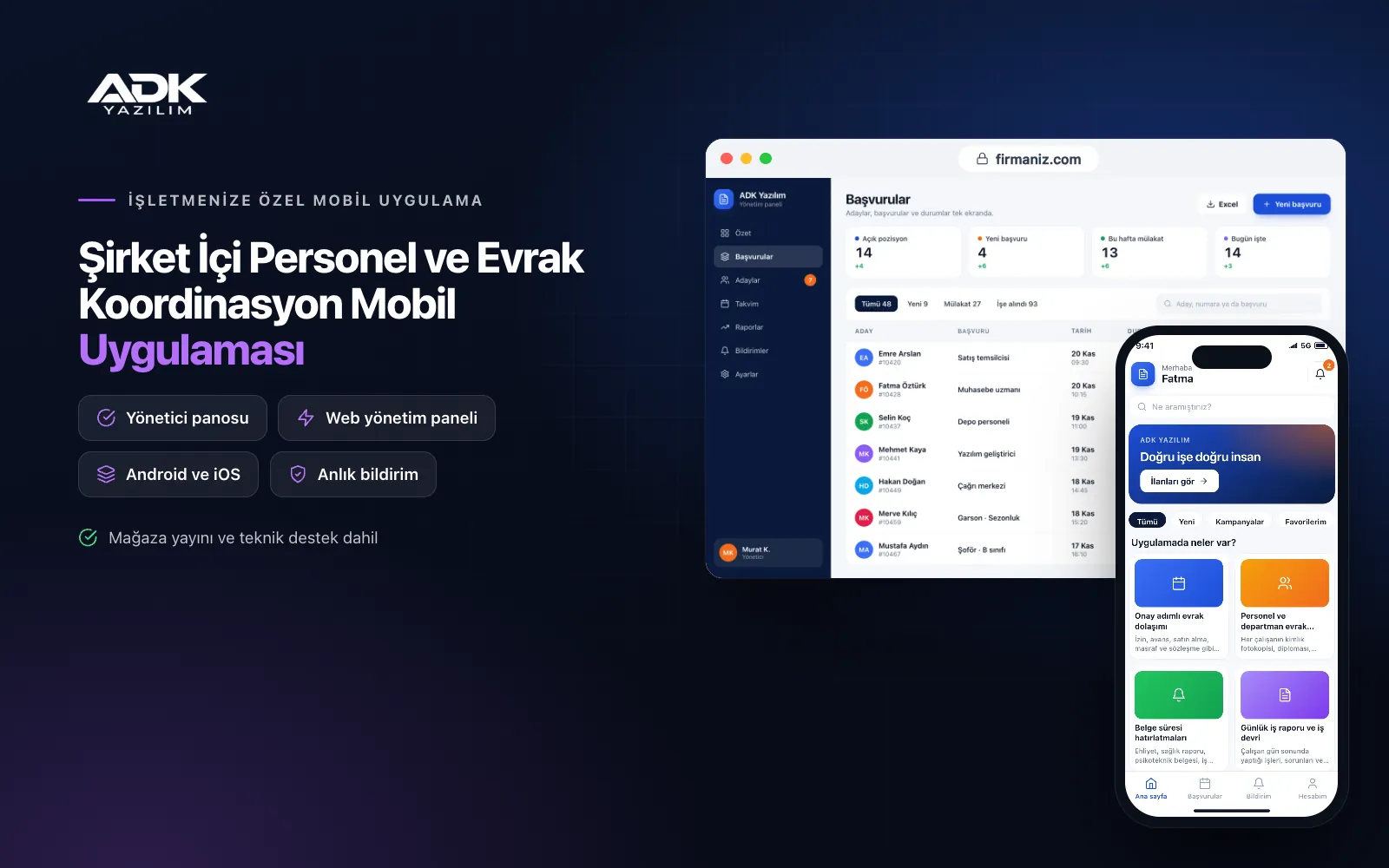
A staff coordination mobile app moves the paperwork that travels from desk to desk, and the question “whose desk is it stuck on?”, onto the phone. Leave forms, salary advance requests, purchase requests and draft contracts are created in the app and pass through the approval steps you define in order; at each step you see who approved and who is holding things up, with date and time. Employees’ daily work reports are gathered in the same place.
The app also keeps staff documents out of scattered folders. Driving licences, medical certificates, professional competence certificates and training records are archived by employee and department, and both the employee and their manager are reminded before anything expires. The app is published under your company’s name on Google Play, on the App Store or on both, and employees sign in securely from their own phones.
Who is it for?
- Companies with several sites or field staff: Firms whose people work away from the office and should not have to come in for approvals.
- Logistics and transport companies: Businesses where driving licence, medical and professional certificate dates are critical.
- Manufacturing and service businesses: Admin teams who want purchase and advance requests off paper forms.
- HR and administration departments: Teams keeping personnel files in an organised archive with restricted access.
- Managing directors and department heads: Managers who want pending approvals and daily team status on their phones.
Document, approval and staff coordination features
Document workflows with approval steps
For each document type, such as leave, advances, purchasing, expenses and contracts, you define the form fields and the approval order: for example the line manager, then accounts, then the managing director above a set amount. The requester fills in the form on the phone and attaches documents or photos. The next approver is notified, and if nothing happens within the time you set, a reminder goes out and the senior manager is alerted.
Staff and department document archive
Each employee’s ID copy, diploma, contract, training certificates and approved requests sit in their own file, organised by department. Documents are uploaded as PDFs or photos, tagged by type and searchable. Employees see their own documents; other people’s files can be opened only by the HR and management users you authorise.
Document expiry reminders
Driving licences, medical certificates, psychotechnical assessments, health and safety training and professional certificates are recorded with their expiry dates. The app notifies the employee and their manager the number of days before expiry that you choose, and the panel lists documents expiring next month. When a renewed document is uploaded, the old one stays in the archive and the new expiry date is tracked.
Daily work reports and handovers
At the end of the day employees send a short form covering what they did, any problems and tomorrow’s plan; managers read the reports team by team and add comments. Employees going on leave or changing roles hand over their open work and notes to their cover with a handover form. Once the colleague accepts, the handover is recorded and no job is left without an owner.
Department announcements and the manager dashboard
You send announcements to the whole company or to one department and follow who has read them. The manager dashboard shows pending documents, average approval time, employees who have not sent today’s report and documents nearing expiry on one screen. Managers review pending requests there and approve them with a tap or send them back with a reason.
How do you get started?
- Choose your plan: Pick Starter (one platform) or Standard / Professional (Android + iOS) to match the phones your employees use.
- Define your workflows: Share your document types, form fields, approval orders and the certificate types you want to track.
- Bring your staff across: We import employee, department and certificate expiry lists from Excel and publish the app under your company’s name.
- Leave paper forms behind: After remote training, accept requests only through the app and upload existing documents to the files step by step.
Infrastructure, security and support
The app and web admin panel run on ADK infrastructure, and data and documents are backed up every day. Because staff documents contain personal data, they are kept in a protected area; every file opened is logged, and access to employee files is limited by role and department. When an employee leaves, their account is closed and the archive stays with your company. The developer account for each store the app is published on is opened in your company’s name; the company pays the account fees and we handle publishing and updates.
The app is published under your company’s name in the store you choose (Google Play, the App Store or both); the web admin panel and server run on ADK infrastructure, so no separate server or domain is needed. The Google Play and Apple Developer Program accounts are opened in your company’s name; the account fees are not included, and we handle setup and publishing. The first-year fee covers brand customisation, setup, initial configuration, staff and certificate date import from Excel and remote training; from the second year a yearly hosting, update and support fee applies, lower than the first-year price. You can start with one platform on Starter and move to Standard (Android + iOS) by paying the difference. Notifications are sent free as app notifications; if you need SMS, your own SMS provider account is connected and SMS charges are not included. Approvals in the app are internal workflow records and do not replace an electronic signature. Electronic signatures, electronic document management and registered e-mail connections, payroll and social security filings, and more than 50 staff accounts are not included and can be added through custom development.
Fast delivery
Our ready-made product foundations get your project live quickly.
Security first
Secure coding standards, encrypted connections and regular updates.
Ongoing support
Maintenance, updates and technical support after launch. We stay by your side.



